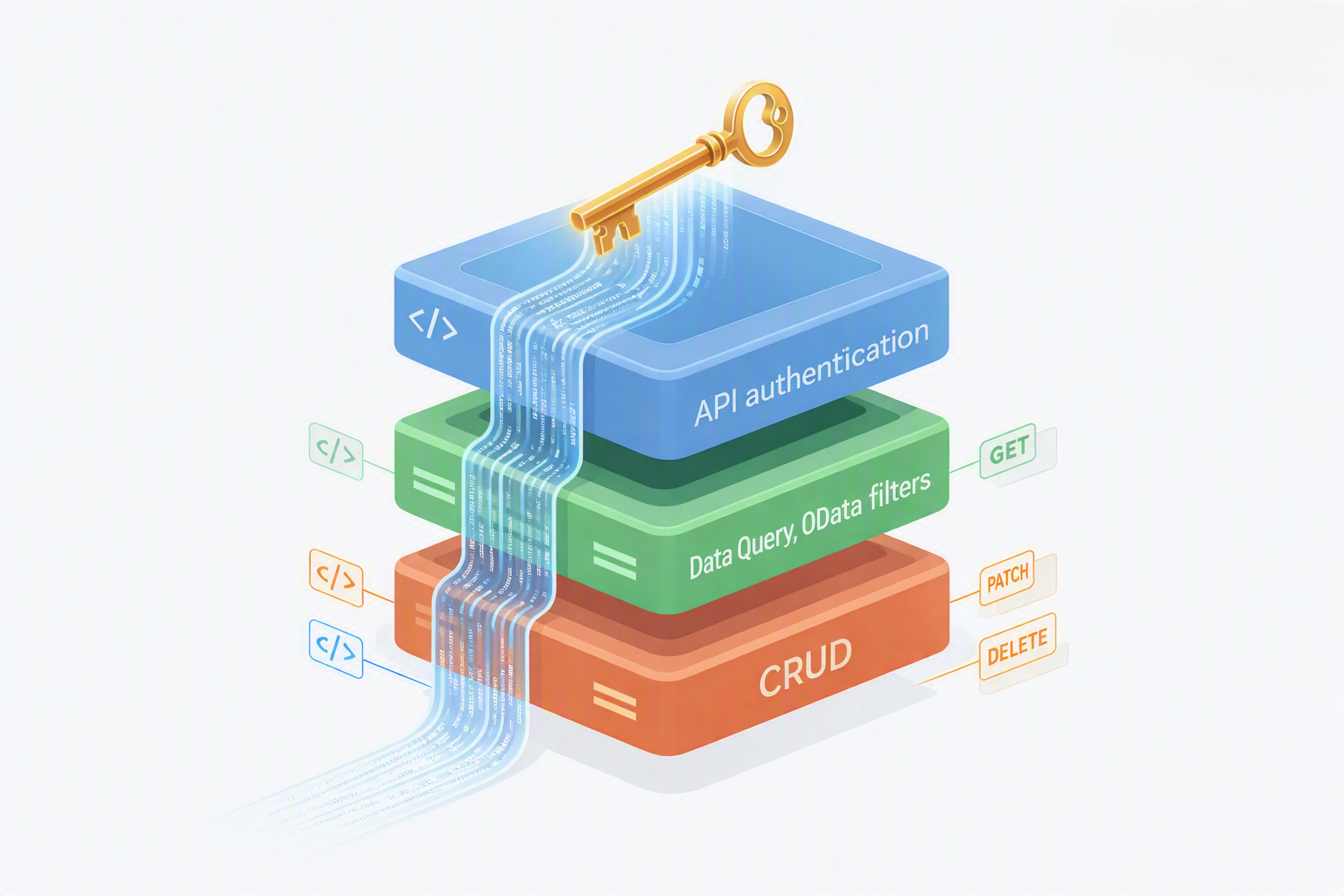
Overview: What Is the Service Layer?
The SAP Business One Service Layer is a RESTful API server that ships with SAP B1 version 9.0 and later. It exposes SAP B1 business objects as HTTP resources, allowing any application — regardless of technology stack — to create, read, update, and delete records in SAP B1 over standard HTTPS.
Before the Service Layer, the only way to integrate with SAP B1 programmatically was via the COM-based DI API, which required a Windows client installation on the calling machine. The Service Layer removed this constraint, enabling cloud-hosted middleware and web applications to communicate with SAP B1 securely over the internet.
Prerequisites: SAP Business One 9.0 or later. The Service Layer must be installed and licensed on your SAP B1 server. Your server's firewall must allow HTTPS traffic on the Service Layer port (default: 50000 for HTTP, 50001 for HTTPS in older versions; 443 in newer deployments behind a reverse proxy).
Base URL Structure
All Service Layer requests are made to a base URL in the following format:
https://[your-sap-b1-server]:[port]/b1s/v1/
Replace [your-sap-b1-server] with your server's hostname or IP address, and [port] with the configured Service Layer port. All endpoints branch off this base URL.
Authentication & Session Management
The Service Layer uses session-based authentication. You must POST a login request before calling any other endpoint. A successful login returns a session cookie that must be included in all subsequent requests.
Login Request
POST /b1s/v1/Login
Content-Type: application/json

{
  "CompanyDB": "YOUR_COMPANY_DB_NAME",
  "UserName":  "manager",
  "Password":  "your_password"
}
On success, the response contains a Set-Cookie header with a B1SESSION value. Store this cookie and send it with every subsequent request.
Session Handling Best Practices
- Sessions expire after the configured idle timeout (typically 30 minutes). Your middleware must detect
401 Unauthorizedresponses and re-authenticate automatically. - Do not create a new session per request — session creation has overhead. Reuse sessions and renew only when they expire.
- Always call
POST /b1s/v1/Logoutwhen your application is shutting down to free server-side session resources.
In .NET middleware, use HttpClientHandler with UseCookies = true and a shared CookieContainer to automatically manage the B1SESSION cookie across all requests in a session.
Querying Data (GET)
The Service Layer supports standard OData query options for filtering, sorting, and paginating results.
Get a Collection
GET /b1s/v1/BusinessPartners
Cookie: B1SESSION=your_session_token
OData Filter Examples
-- Filter by field value
GET /b1s/v1/Orders?$filter=CardCode eq 'C001'

-- Select specific fields only
GET /b1s/v1/Items?$select=ItemCode,ItemName,OnHand

-- Combine filter, select and order
GET /b1s/v1/Invoices?$filter=DocStatus eq 'O'&$select=DocEntry,CardName,DocTotal&$orderby=DocDate desc

-- Pagination (skip 20, take 10)
GET /b1s/v1/Orders?$skip=20&$top=10
Creating & Updating Records (POST / PATCH)
Create a Sales Order
POST /b1s/v1/Orders
Content-Type: application/json
Cookie: B1SESSION=your_session_token

{
  "CardCode": "C001",
  "DocDate":  "2025-08-01",
  "DocumentLines": [
    {
      "ItemCode":   "ITEM-001",
      "Quantity":   5,
      "UnitPrice":  100.00
    }
  ]
}
Partial Update with PATCH
PATCH /b1s/v1/Orders(12345)
Content-Type: application/json
Cookie: B1SESSION=your_session_token

{
  "Comments": "Updated via integration"
}
Building a SAP B1 Integration?
Let our team review your integration design before you build — catch common pitfalls early and ship faster.
Book a Free Review CallError Handling
The Service Layer returns standard HTTP status codes. Here are the most important ones to handle in your middleware:
200 OK— Successful GET or PATCH201 Created— Successful POST (record created)400 Bad Request— Validation failure. Check the response body for SAP's error message and code.401 Unauthorized— Session expired. Re-authenticate and retry.404 Not Found— The requested entity key does not exist.500 Internal Server Error— A SAP B1 business rule or database error occurred. Log the response body for debugging.
Key Endpoint Reference
The following endpoints cover the most common integration scenarios:
- Business Partners:
/b1s/v1/BusinessPartners - Sales Orders:
/b1s/v1/Orders - AR Invoices:
/b1s/v1/Invoices - Items / Products:
/b1s/v1/Items - Item Warehouses (Stock):
/b1s/v1/Items('[ItemCode]')/ItemWarehouseInfoCollection - Incoming Payments:
/b1s/v1/IncomingPayments - Deliveries:
/b1s/v1/DeliveryNotes - Purchase Orders:
/b1s/v1/PurchaseOrders